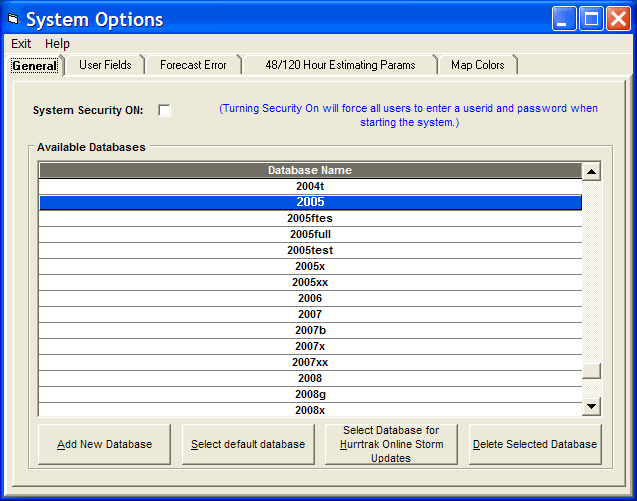
System Setup System Options - General
This option allows the user to create or delete storm databases in addition to establishing system wide security. To establish a new database, select the Add new Database option and then change the database name. To make a database the current default, select that database's row and exit. For more information on the difference between the default database and the Current Hurrtrak Online Active Database please review Default vs. Hurrtrak Online Active database.
The security option is typically used only for network installations, however it is available to single workstation users. If selected it will prompt for a system signon and password when entering most of the tracking applications. NOTE: Be sure you setup a new password for the ADMIN userid before selecting this option.