Tracking Chart Maintenance
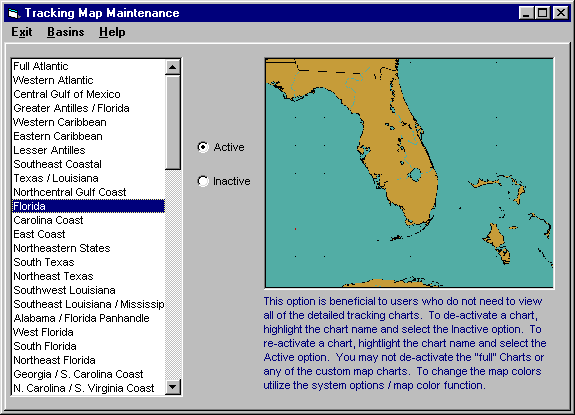
With the large number of tracking charts in the system, some users may find it beneficial to be able to de-activate certain charts that they would never use. This options allows the user to be able to do just that. To de-activate a chart, highlight the chart name and select the inactive option. To re-activate a chart, highlight the chart name and select the Active option. You may not de-activate the "Full Atlantic" chart or any of the custom map charts. Global Tracker users can change tropical cyclone basins by selecting that menu option. To change map colors utilize the Map Colors option.