Desktop Satellite
The
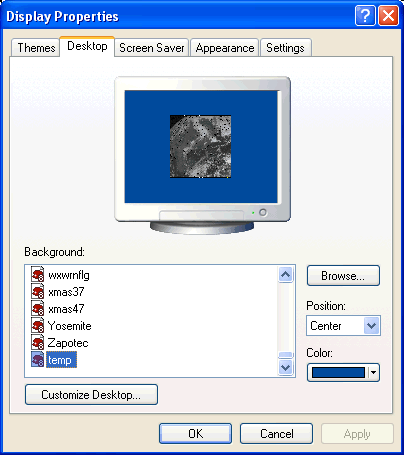
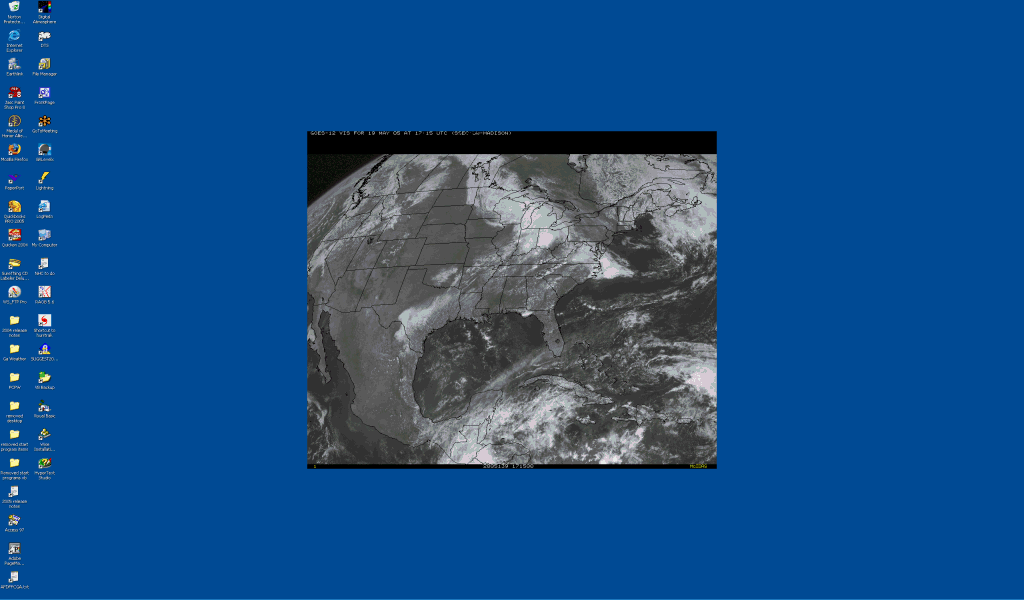
desktop satellite program is a handy little program that runs in the system tray
which will maintain a current satellite image on your Windows Desktop.
It will automatically change from daytime to nighttime (IR) satellites and
visa-versa at sunset and sunrise. You can also choose to animate the saved images.
To
allow this to function you need…
The
options for this tray program (right click on cloud icon in tray) are
Options
–
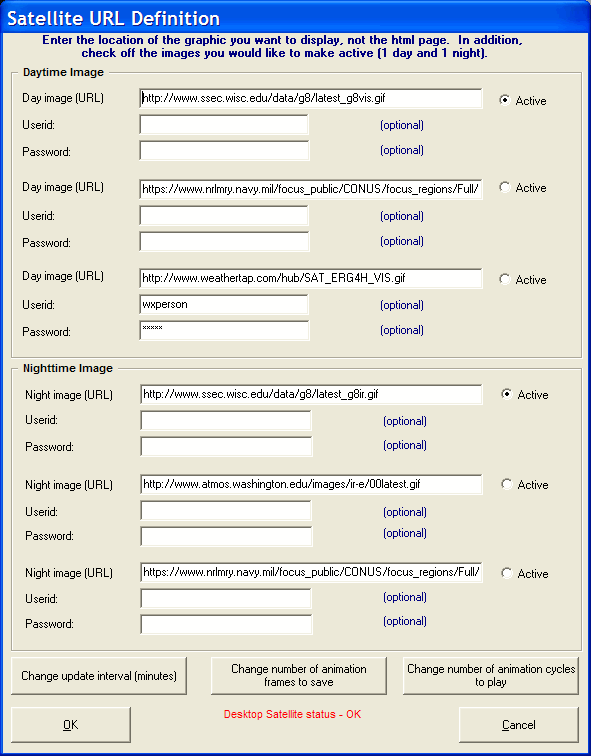
This option presents the user with the following window allowing them to change the
6 (3 day, 3 night) default satellite images as well as the update interval, number
of frames to save for animation and the number of animation cycles to play.
Only one URL of each (day/night) can be selected.
The
userid and password fields can be used if your favorite satellite image is password
protected.
Force
Update –
This option will force the program to update the current satellite image rather than
waiting the typical 20 minutes.
Animate saved images – This option will animate the saved images on the desktop. When animating all desktop icons are hidden to allow for a faster animation sequence.
Quit
– Closes the tray options
End
Desktop Satellite
– Closes the program
F