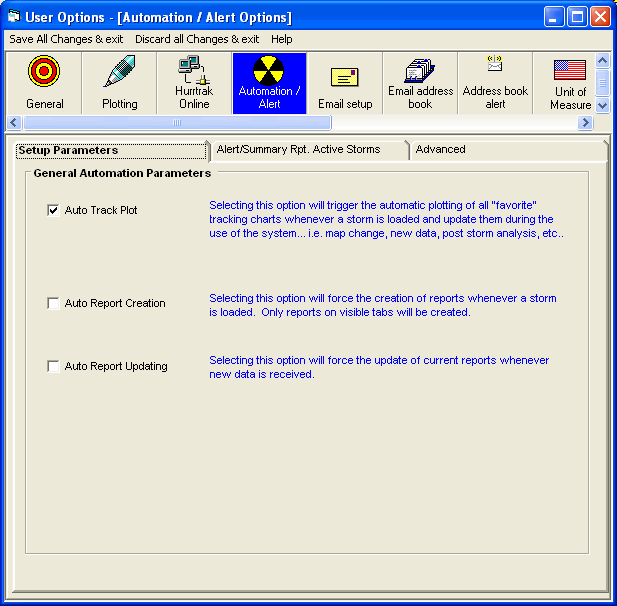
This option will force the
system to plot the latest storm track and forecast track on all of the visible
"favorite" tracking chart tabs whenever a new storm is loaded or a current
one is updated via HURRTRAK Online.
This options forces the
system to automatically recreate all of the "open" report tabs when
either starting the system or opening a new storm. An "open" report
is one that has a visible tab. If you are doing
some historical analysis, opening several past storm during
one session, you may want to turn this indicator off.
This options forces the
system to automatically update all of the "open" report tabs when
new data arrives via HURRTRAK ONLINE. An "open" report is one that
has a visible tab. This assures the user that
their reports will always reflect the latest data.
Automation
/ Alert Setup
This option
allows the user to maintain Automation/Alert preferences. Point and
click on the options shown above for a description of what they control.