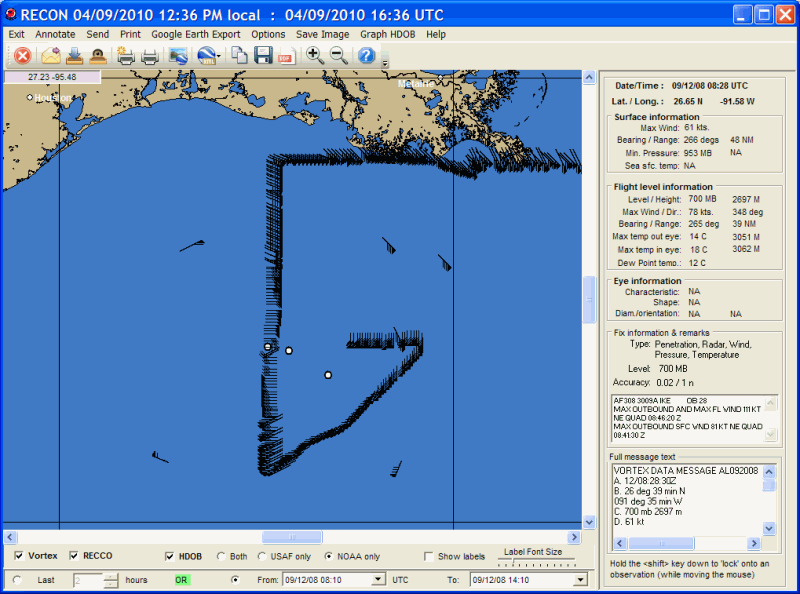
Hurricane Reconnaissance Display
When the hurricane reconnaissance program is started, the user is presented with the screen below. At this point the user can select the mapping area they are interested in (see Panning and Zooming for more information) and then perform the program functions.
There are 3 types of recon reports that the program displays. Point and click on portions of the image shown above for a description of what they represent and control.
The reconnaissance data
is downloaded via the HURRTRAK ONLINE service. By setting the HURRTRAK
ONLINE Automatic Data polling option, the system will check for new data on a
regular basis. You can also manually retrieve the data via the Hurrtrak Online tab
options.
While viewing the graphics, there are several menu options available. They include:
Exit Annotate Send Print Google Earth Export Options Save Image Graph HDOB Help
CLICK on the commands to learn more